
Level Up Casino App in Australia on Android and iOS
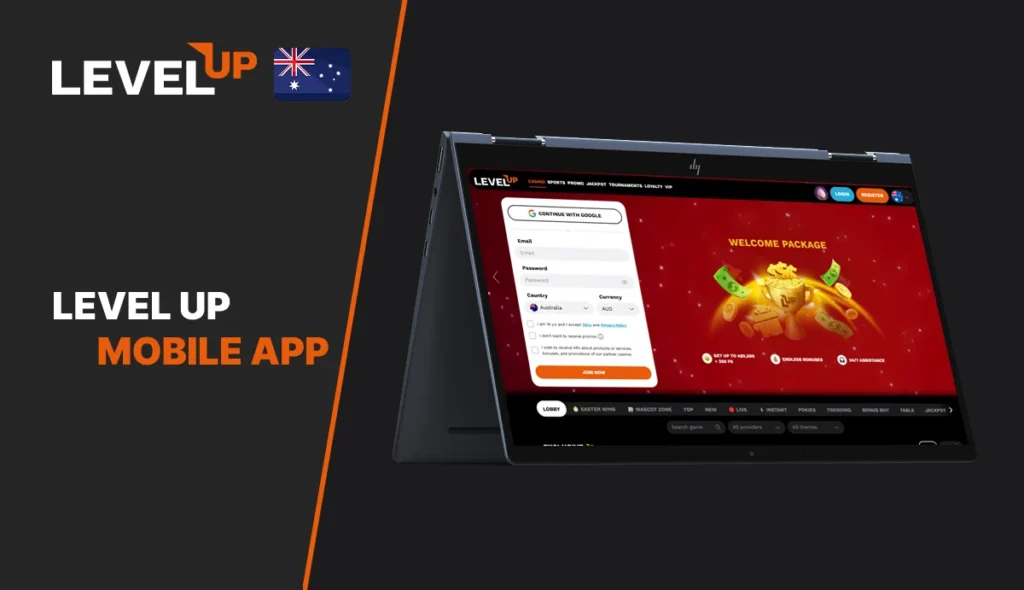
The Level Up mobile app gives Australian players a fast way to reach the full casino from a phone. We use a mobile setup that covers Android and iPhone, so players can open the lobby, sign in, claim bonuses, and play real money games without moving back to desktop.
Casino Mobile App Features
The Level Up Casino App is built for quick access rather than a stripped-down mini version. Our mobile page promotes instant access to thousands of slots and games, while the main casino lobby already shows the same core sections that matter on desktop, including casino, sports, promotions, tournaments, loyalty, and VIP.
Key mobile features include:
- access to 2,600+ games from one mobile entry point
- support for both Android and iPhone
- quick home-screen launch instead of a long store search
- full account access for deposits, withdrawals, bonuses, and login
- mobile play across pokies, live casino, and instant-win titles
- direct access to promotions, loyalty rewards, and tournaments
- Google sign-in or standard email login during registration and return visits
How to Access the Level Up Casino Mobile Version
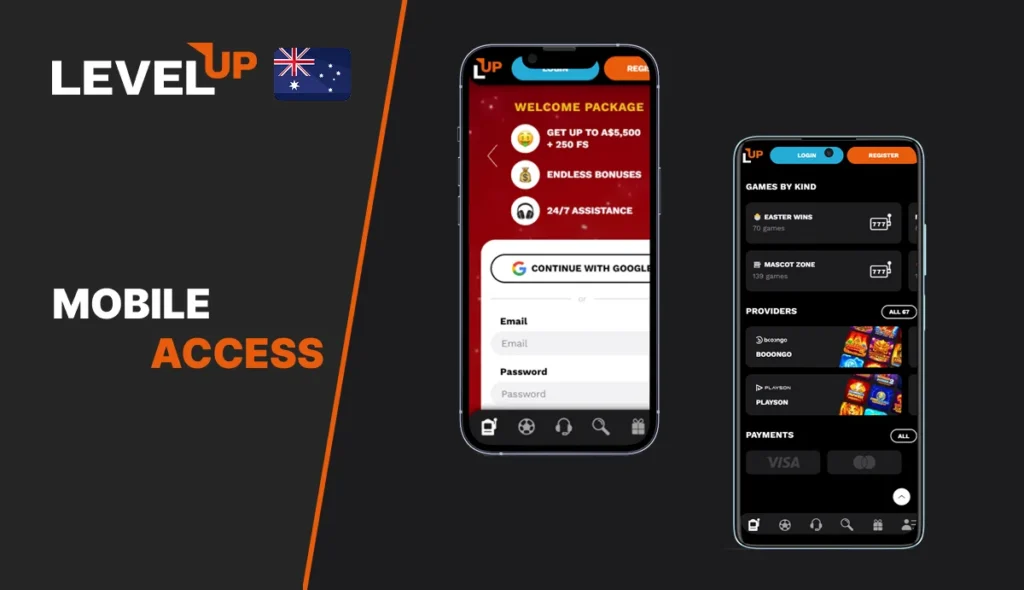
Our software does not rely on one single install route. On Android, the setup follows a direct download flow. On iPhone, we use a web app format that saves the casino to the home screen. This keeps the mobile version simple and gives players a shorter path into the lobby.
That matters because the Level Up Casino download process is different on each system. Android users install a downloaded file. iPhone users add the casino to the home screen through the browser menu. In both cases, the goal is the same: open the casino in a few taps and keep the full account available on mobile.
Casino on iPhone (iOS)
On iPhone, we use a browser-based app flow instead of a separate App Store download. That makes the LevelUp Casino App easy to save and launch, especially for players who want quick access without searching a store listing. The result feels close to a standard app because the icon stays on the home screen and opens straight into the mobile site.
How to add it on iPhone:
-
Open the casino on your iPhone.
-
Tap the Share button in Safari.
-
Scroll down to Add to Home Screen.
-
Tap Add.
-
Launch the casino from the new home screen icon.
This format suits players who want a clean iOS shortcut and the same account access they use on desktop. The main advantage is convenience. The process is short, and there is no extra store approval step.
Level Up Casino Android App
The Android version gives players a more app-like install path. You should use a QR code and a downloaded install file, which makes the Level Up Casino App feel closer to a direct Android package than a simple browser bookmark.
How to install on Android:
- Scan the QR code with your Android phone.
- Tap Download.
- Open Install Unknown Apps in Settings.
- Allow installation from unknown sources.
- Select the downloaded file.
- Tap Install.
This route gives Android players a dedicated shortcut and quick re-entry into the casino. It is a practical option if you want a stronger app feel and do not mind one extra security step during installation.
iOS vs Android App
Both Level Up mobile app options cover the same casino account, but they work in different ways. iPhone uses a web app shortcut. Android follows a direct install flow. The better choice depends on whether you prefer browser simplicity or a more standard app-style install.
The comparison below sums up the difference in a cleaner way.
| Mobile format | iPhone (iOS) | Android |
|---|---|---|
| Access type | Web app from browser | Download the file |
| Main setup step | Add to Home Screen | Allow installation from unknown apps |
| Best for | Fast setup with no store search | Players who want a more app-like shortcut |
| Launch method | Home-screen icon | Installed app icon |
| Extra note | Works through Safari share menu | Requires one manual security permission |
iPhone gives players an easier setup. Android gives them a more native-looking route. Both paths lead to the same Level Up Casino mobile app experience once the icon is on the phone.
Games and Live Casino on Mobile App
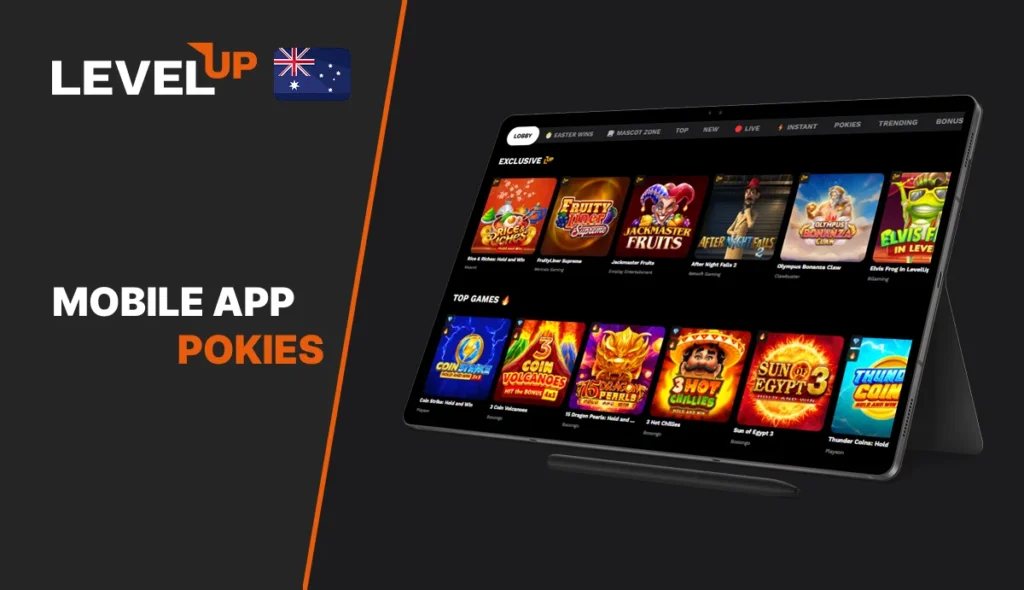
The mobile version is not limited to a few demo titles. We keep the broader casino open on mobile, which is important because the Level Up Casino app features thousands of pokies and games, and the main lobby already shows a strong mix of branded exclusives, live casino tables, and instant-win titles.
For pokies, mobile players can open titles such as Rice & Riches: Hold and Win, FruityLiner Supreme, Jackmaster Fruits, Level Up Cash Pig, and Buffalo LevelUp Grandways. Many of these also appear with demo mode in the lobby, which is useful if you want to test a game before switching to real-money play.
Live casino play is also part of the mobile offer. Some examples include Gravity Blackjack, Baccarat NC, and Live French Roulette.
Players who prefer shorter sessions can also move into instant and crash-style games such as Aviator, Chicken Crash, Crash, and Plinko Cup. That gives the Level Up mobile app enough range for longer table sessions and quick play on the move.
Account Registration and Login on Mobile
Mobile registration follows the same structure as the desktop flow, but the screens are clean and easy to complete on a phone. We use a three-step form. The first window covers email, password, country, and currency. The next window adds personal details. The final screen completes the address. Existing players can also use Google sign-in or a standard login to get back into the account quickly.
The mobile registration flow via the Level Up Casino app includes the following:
- email and password, or Continue with Google
- country and currency selection
- age confirmation and acceptance of the main terms
- first name, last name, date of birth, and phone number
- state, city, address, and postal code
- return login for existing players from the same mobile entry points
Common Issues and Fixes on Mobile
Most mobile problems here are practical rather than technical. The Level Up Casino mobile app flow itself is simple. Problems usually come from installation permissions, login access, or verification checks linked to payments and withdrawals.
| Common issue | Likely reason | Practical fix |
|---|---|---|
| Android file will not install | Installation from unknown apps is blocked | Open phone settings and allow installation from unknown sources, then run the file again |
| iPhone shortcut does not appear | The app was not added through the browser share menu | Open the casino in Safari, tap Share, then Add to Home Screen |
| You cannot sign in | The password is wrong or forgotten | Use the password reset option on the login page and follow the email link |
| Withdrawal takes longer than expected | Verification is still incomplete | Upload ID, proof of address, and any payment check requested before cashout |
| Card transaction fails | The issuing bank or processor blocks the payment | Try another supported method or contact support for the best option in your region |
These fixes cover the most realistic mobile issues. In most cases, the problem is solved by completing one missing step rather than reinstalling everything.
Pros and Cons of Level Up Casino Mobile
The Level Up Casino download works well for players who want flexibility, but it is not identical on every device. The strongest parts are convenience and game range. The weaker part is that Android asks for a manual install permission, which some players will not enjoy.
Pros
- covers Android and iPhone
- fast access to 2,600+ games
- includes pokies, live casino, and instant titles
- supports mobile registration, login, and account management
- home-screen launch keeps return visits easy
Cons
- no standard App Store way for iPhone
- Android installation needs an extra security permission
- some payment and card outcomes still depend on bank support
- withdrawals can be paused if KYC is incomplete
FAQ
Yes. Players use the same Level Up Casino App account details across desktop and mobile, so there is no need to open a second profile. The registration and login flow connects to the same main casino account.
We can request photo ID, proof of address, and payment-method checks before approving a withdrawal. If those documents are still missing, the cashout can stay on hold until the review is complete.
The same promo section is available on mobile, including the welcome package, promo-code offers, and other bonus campaigns shown.
Yes. The promotions page includes a code activation area where players can sign up or log in and apply a bonus code from mobile as well.